






Is there a minimum deposit amount at Hey Casino? I want to make sure I don't accidentally deposit too little.

The Hey Casino payment guide outlines the process of adding funds to your account, submitting a withdrawal request and tracking transactions until they are completed.
The minimum deposit is €20, while the minimum withdrawal is $50. Players must complete identity verification before withdrawing funds, so it is advisable to have the required documents ready when requesting a payout.
| Payment Method | Payment Category | Processing Requirement | Verification Details |
|---|---|---|---|
| Visa and Mastercard | Bank cards | Payment authorisation | Card details, amount |
| Revolut and MiFinity | Digital wallets | Wallet authorisation | Wallet account, payment amount |
| Apple Pay and Google Pay | Mobile wallets | Wallet authentication | Selected card, funding source |
| Bank Transfer | Bank payments | Transfer completion | Bank details, payment reference |
| Prepaid Vouchers | Voucher payments | Voucher acceptance | Voucher value, entered code |
| Cryptocurrency | Digital asset transfers | Blockchain confirmation | Asset, network, destination address |
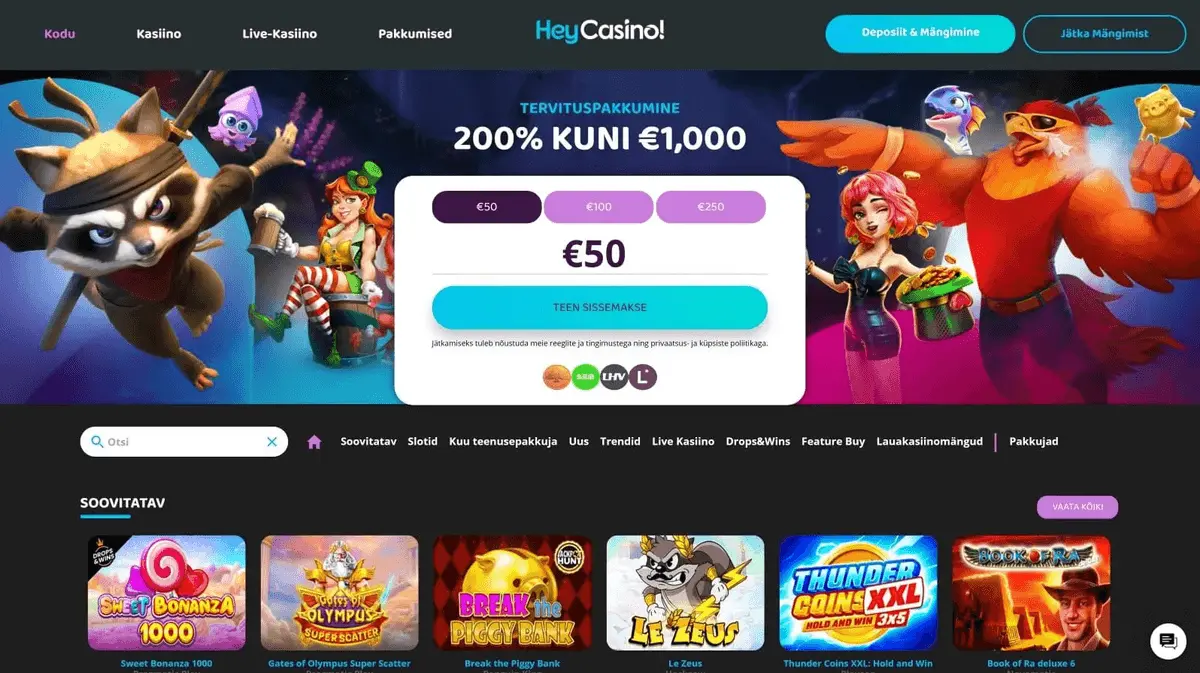
Sign in to your player account and open the cashier to start a deposit. Decide how much you want to add before entering payment details, and keep the €20 minimum deposit in mind.
Our deposit limits, time-off and self-exclusion tools give you ways to control your play. Set a deposit limit before funding your account if you want a defined spending boundary.
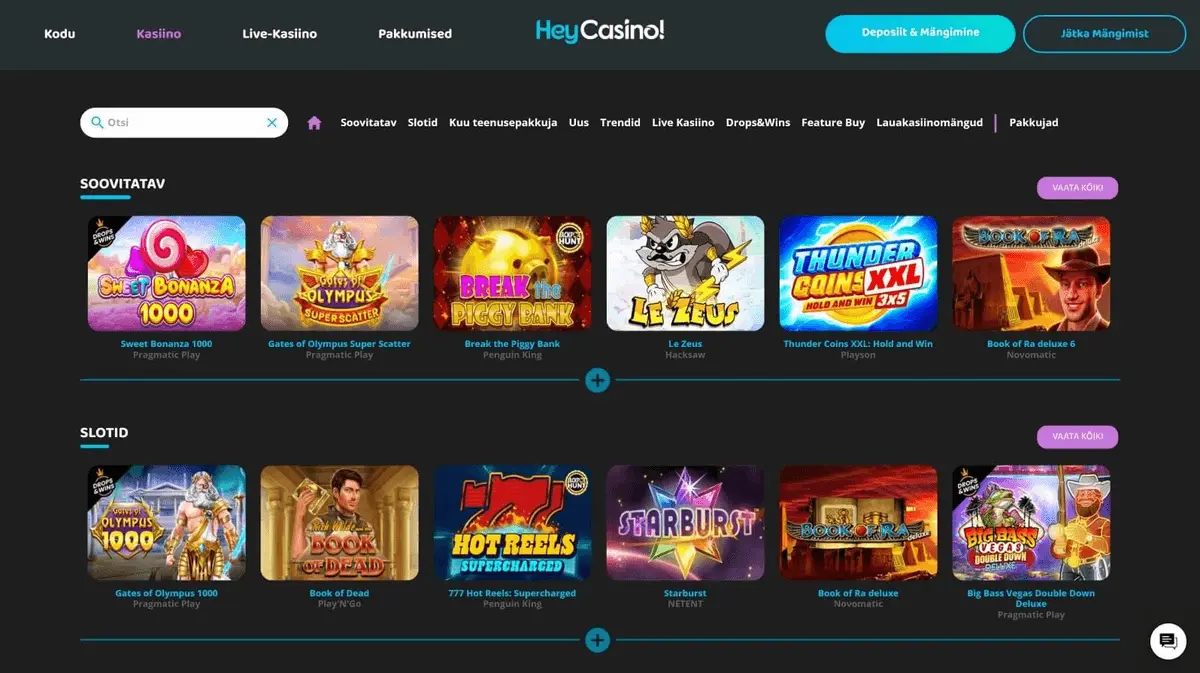
Our listed payment methods include Visa, Mastercard, Revolut, Apple Pay, Google Pay, bank transfer, MiFinity, prepaid vouchers and cryptocurrencies. Choose a method you can authorise and for which you can retain a transaction record.
Choose a payment route that fits how you want to authorise the transaction and the information you can provide. Our listed methods include the following options:
With a card, you enter the requested card information and complete any authorisation presented by your card issuer. Review the amount before approving the payment so you do not submit an unintended deposit.
For a bank transfer, copy the payment instructions carefully and include any reference supplied for the transaction. An incorrect reference can make it harder to identify the payment when you ask us for help.
Revolut, MiFinity, Apple Pay and Google Pay use their respective authorisation flows. Confirm the funding source and amount in the payment prompt before you approve the transaction.
Our listed cryptocurrencies include BTC, ETH, USDT, USDC, LTC, DOGE, BNB, SOL, XRP, ADA, TRX, BCH and TON. When sending cryptocurrency, match the asset, network and destination address to the instructions shown for your payment.
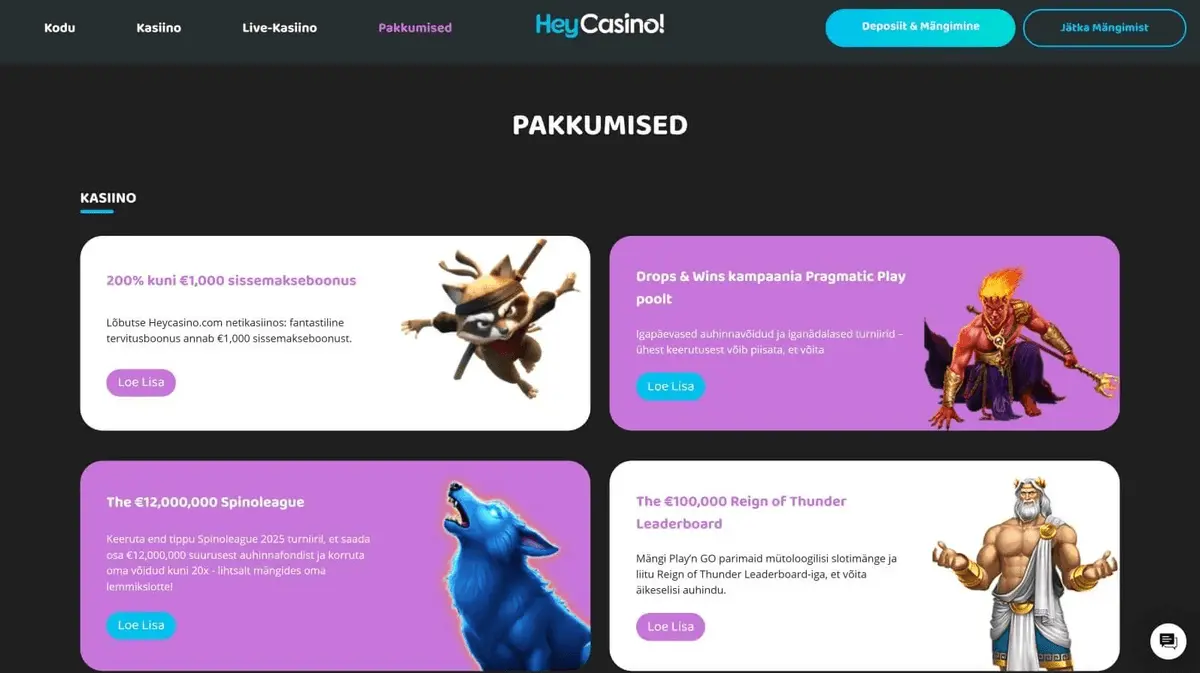
In the cashier, select a deposit method, enter your amount and follow the payment instructions. Complete any authorisation requested by your payment provider, then return to your player account to see whether the balance has been credited.
Keep the payment confirmation or transaction reference until the deposit appears. If the payment is not reflected in your balance, that record helps you describe the transaction when contacting us.
Follow these steps in order to make a deposit and then request a withdrawal. Keep your payment records until each transaction has been confirmed:
Our minimum deposit is €20, while our minimum withdrawal is $50. These figures apply to different transactions and are stated in different currencies; do not treat them as equivalent amounts.
Our listed currencies include USD and EUR, with CAD among the currencies supported depending on region. When a payment involves a currency conversion, the amount received can differ from the amount sent because of the exchange rate or a conversion charge.
We have not specified deposit or withdrawal fees in the information provided here. Your payment provider may apply its own charges, so review the amount and any charge shown before you authorise a transaction.
A deposit begins when you submit the payment and complete the required authorisation. The payment must then be processed before it can be reflected in your player balance; a payment prompt alone is not confirmation that your balance has been credited.
For a withdrawal, submit a request through the cashier and complete the required verification. We have not specified a withdrawal processing time, so a request should not be assumed complete until its status confirms completion.
Use your own account credentials and keep passwords and payment authorisation codes private. Before approving a payment, read the amount and recipient information in the authorisation prompt rather than approving it automatically.
We require verification documents for withdrawals. Provide requested documents through the process presented to you, and make sure the information is legible so it can be reviewed.
If a deposit fails, note any error message and review the payment details before trying again. If your provider shows a debit but your player balance has not changed, retain the reference and contact us rather than repeatedly submitting the same payment.
For a pending withdrawal, review its status and respond to any verification request. You can contact us by email or contact form; our support hours are Monday through Friday, 09:00–17:00 CEST.
For a refund enquiry, give us the transaction reference, amount, payment method and date. Do not send passwords or payment authorisation codes with your enquiry.
A withdrawal can need further review before it is completed. Use these practical checks to prepare your request and give us useful information if a delay occurs:
Is there a minimum deposit amount at Hey Casino? I want to make sure I don't accidentally deposit too little.

I prefer using e-wallets for deposits. Does Hey Casino support popular options like Skrill or Neteller?

I noticed some casinos charge fees on certain deposit methods. Has anyone experienced fees with Hey Casino deposits?

Hey Casino offers instant deposits with credit cards, which is convenient. However, I wonder if bank transfers take longer?
I appreciate that Hey Casino has multiple deposit options, but I wish there was more info about deposit processing times.
Can anyone confirm if prepaid cards are accepted for deposits at Hey Casino? That would be my preferred method.
Depositing via mobile payment options at Hey Casino was straightforward for me, making it easy to fund my account on the go.
I found the deposit interface at Hey Casino a bit confusing initially, especially selecting the right payment method.
Is there a minimum deposit amount at Hey Casino? I want to make sure I don't accidentally deposit too little.
I prefer using e-wallets for deposits. Does Hey Casino support popular options like Skrill or Neteller?
I noticed some casinos charge fees on certain deposit methods. Has anyone experienced fees with Hey Casino deposits?
Hey Casino offers instant deposits with credit cards, which is convenient. However, I wonder if bank transfers take longer?
I appreciate that Hey Casino has multiple deposit options, but I wish there was more info about deposit processing times.
Can anyone confirm if prepaid cards are accepted for deposits at Hey Casino? That would be my preferred method.
Depositing via mobile payment options at Hey Casino was straightforward for me, making it easy to fund my account on the go.
I found the deposit interface at Hey Casino a bit confusing initially, especially selecting the right payment method.
We have not specified a withdrawal processing time. Verification is required for withdrawals, so provide any documents we request and respond to further information requests. If your withdrawal remains pending and you need help, contact us by email or contact form with its reference and amount.
Our minimum deposit is €20 and our minimum withdrawal is $50. We have not specified deposit or withdrawal fees in the information provided here. Your payment provider may charge for a transaction or currency conversion, so review any charge shown before you authorise payment.
Our listed cryptocurrencies include BTC, ETH, USDT and USDC, among others. Match the asset, network and destination address to the payment instructions before sending. If you want to change your withdrawal method, select a method presented in the cashier; contact us if you need help with the change or its verification.