
Opening a Hey Casino account begins with entering your contact information and filling in the registration form. The guide walks you through the initial sign-in, identity verification and solutions to common login difficulties.
Hey Casino is operated by DMG Solutions B.V., a company registered in Curaçao. For assistance, players can reach the support team by email or via the contact form. Customer service is available Monday to Friday, from 09:00 to 17:00 CEST.
| Account Task | Access Point | Required Details |
|---|---|---|
| Registration | Registration form | Personal details, contact information, username, password |
| Account Login | Login form | Username or email, password |
| Mobile Login | Mobile browser login | Account credentials, internet connection |
| Password Reset | Password recovery option | Registered email or recovery contact |
| Identity Verification | Account verification section | Requested identity documents |
| Two-Factor Authentication | Account security settings | Second authentication method, recovery details |






What to Prepare Before Signing Up
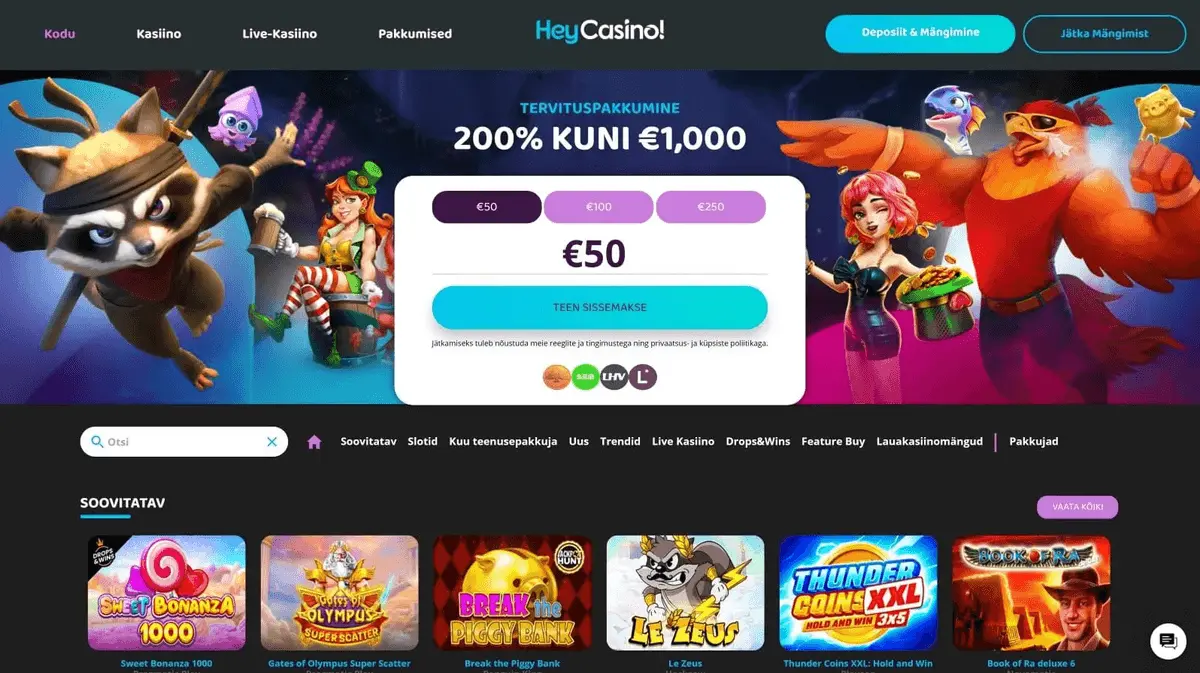
Have your personal details and an email address you can access ready before opening our registration form. If the form asks for a phone number, use one you control so you can receive any confirmation message sent to it.
Choose a password you do not use for another account. Keep your identity documents accessible: we require verification for withdrawals, and having the requested documents ready can help you respond when we ask for them.
Use a private device or a trusted connection when entering your details. On a shared device, another person could see saved credentials or access your account if you leave the session open.
Completing the New Member Application
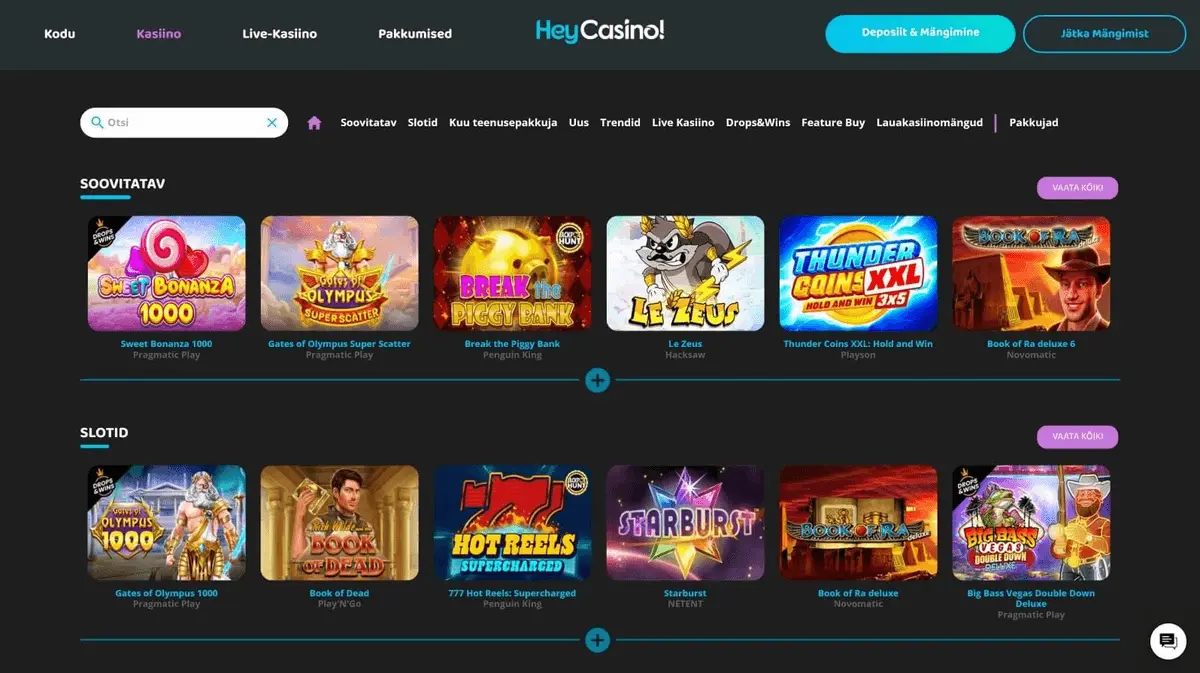
Open our registration form and work through its fields in the order presented. Enter your own information, review it before submission and accept the applicable terms only after reading them.
Keep access to the contact details you enter throughout the process. If we send a confirmation message, you will need to open it or enter its code to complete the relevant confirmation step.
Follow these steps from the registration form through your first account review. Keep your contact method accessible throughout, and use the same credentials when you return to log in.
- Step 1 — Open registration — Open our registration form on a private device or trusted connection. Have your personal details and an accessible email address ready, and prepare a phone number if the form requests one.
- Step 2 — Complete the form — Enter your own personal and contact details, then create the requested login credentials. Review the entries against your documents and correct typing errors before you submit the form.
- Step 3 — Confirm your contact details — Follow any email or phone confirmation instructions we send. Open the message or enter its code in the relevant field, and keep that code private.
- Step 4 — Accept the terms — Read the terms presented during registration and accept them only if you can meet their conditions. Complete any remaining submission action shown on the form.
- Step 5 — Sign in — Return to our login form and enter the account identifier and password you created. If the credentials are rejected, check your entries before using the password-reset option.
- Step 6 — Review your profile — After signing in, inspect your personal and contact details for mistakes. Use the available controls to correct an error, or contact us if you cannot change it yourself.
- Step 7 — Check security and verification — Review the security settings and enable two-factor authentication if offered. Look for verification instructions and prepare the requested documents, because we require verification for withdrawals.
Entering Personal and Contact Details
Enter your name and other requested personal details accurately, using the same information that appears on your identity documents. A mismatch can make it harder for us to match your application to the documents you later provide.
Review your email address character by character before submitting it. If a phone number is requested, include the appropriate country code and make sure you can receive messages at that number.
Setting a Username and Password
If the form asks you to choose a username, select one you can recognise without putting sensitive personal information in it. Record the account identifier you use so you can enter it correctly at login.
Create a unique password and store it in a password manager or another secure place. Do not send it to another person or reuse a password that protects your email account.
Confirming Your Details and Passing Verification Checks
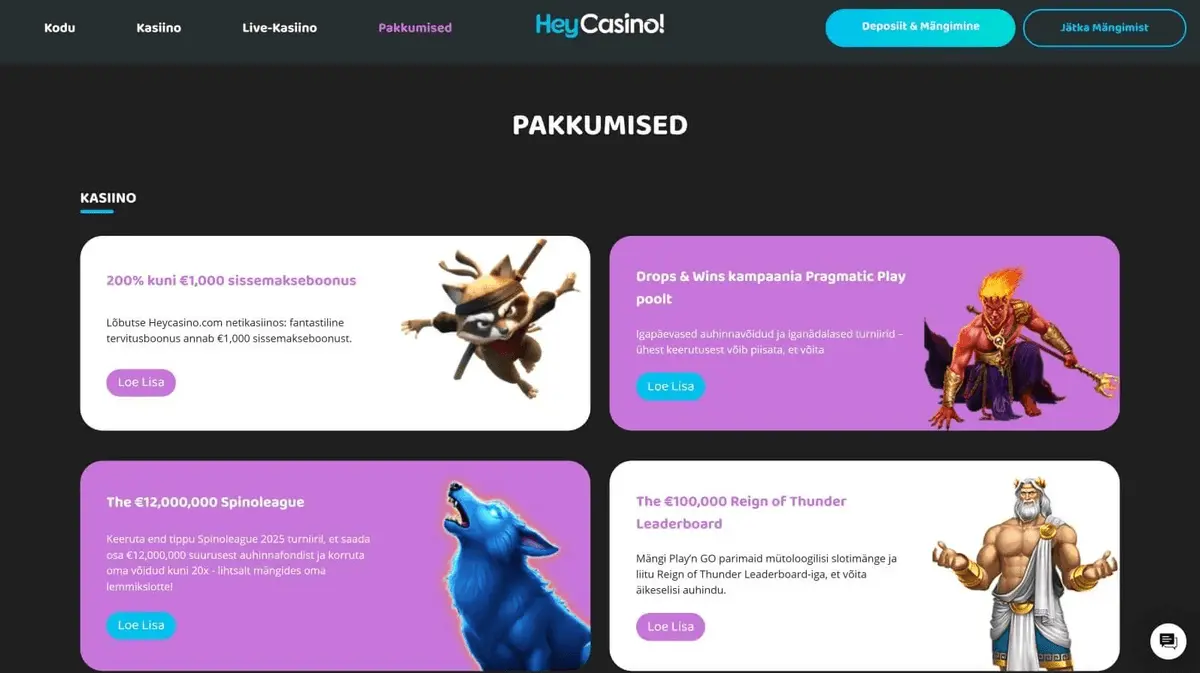
Follow any confirmation instructions we send to the email address or phone number you supplied. If a message contains a code, enter it in the relevant confirmation field rather than sharing it with someone else.
We require verification for withdrawals. When we request documents, provide the items specified in our instructions and make sure the information is legible and consistent with your account details.
If a document image is unclear, take a new image with the requested information visible before submitting it. Do not alter the document or obscure information that our instructions require us to see.
Confirmation of a contact method and identity verification are separate actions: receiving a code at your email address does not by itself establish that your identity documents have been reviewed.
Accessing the Account for the First Time
Once your registration is complete, open our login form and enter the account identifier and password you created. If you have just confirmed your contact details, return to the login form rather than creating another account.
After signing in, review the personal and contact information shown in your profile. Correct an obvious entry error through the available account controls or contact us if you cannot make the correction yourself.
For mobile access, open our login form in your phone or tablet browser and enter the same credentials. Check that your device has a working connection, and sign out when you finish on a device other people can use.
Profile Configuration and Important Security Settings
Review your account security settings after your first login. If two-factor authentication is offered, follow the setup instructions and keep any recovery information somewhere separate from the device you use to sign in.
Protect the email account linked to your profile as well as your casino password. Someone who controls your email may be able to intercept recovery messages, so use a separate password and the email provider’s security controls.
We provide deposit limits, time-off, cool-off periods, self-exclusion and self-assessment tests. Use the relevant account controls to set a limit or take a break when you need one.
These habits protect both your login and the recovery methods connected to it. Apply them after registration and whenever you change devices or contact details.
- Use a unique password — Create a password used only for your account with us. Store it securely so you can retrieve it without relying on repeated guesses that may interrupt access.
- Protect your email — Secure your linked email with a different password and its available security controls. This helps prevent another person from intercepting account recovery messages.
- Keep recovery details accessible — Maintain access to the contact method associated with your account. If it changes, update your details through the available controls or ask us for assistance.
- Use two-factor authentication — If our security settings offer two-factor authentication, enable it and store any recovery information separately. You will need the second method when the login process requests it.
- Sign out on shared devices — End your session when using a shared phone or computer, and avoid saving your password there. This reduces the chance that another user can open your account.
Registration Rules, Eligibility and Account Limitations
Read the terms presented during registration before accepting them. Submit your own details rather than another person’s, and do not proceed if you cannot truthfully satisfy a condition stated in the application.
Our minimum deposit is €20 and our minimum withdrawal is $50. Verification is required for withdrawals, so completing the registration form alone does not remove the need to provide requested documents.
If you cannot access an existing account, use the recovery route or contact us rather than opening a replacement account. This gives us a way to help you address the original access problem.
Resolving Sign-Up Errors and Verification Difficulties
Start with the exact field or message that stopped you: correct a typing error, complete a missing field or follow the recovery option on the login form. Avoid repeatedly submitting unchanged information when the same error appears.
For a document issue, compare your submission with the instructions we gave you and replace an unreadable image if necessary. If you still cannot proceed, contact us by email or contact form and describe the step and error without sending your password.
Our support hours are Monday through Friday, 09:00–17:00 CEST. Include the email address associated with your account in your enquiry so we can identify the account you need help with.
Use the fix that matches the problem you see. If it does not resolve the issue, tell us which step failed and what message appeared.
- Forgotten password — Open our login form, select the password-reset option and follow the recovery instructions sent through the requested contact method. Choose a new, unique password before signing in again.
- Confirmation message missing — Check the address or number you entered and look in your email’s spam folder. If the details are wrong or the message does not arrive, contact us for help.
- Login details rejected — Re-enter your account identifier and password carefully, checking capital letters and saved autofill entries. If you cannot recall the password, use the reset option instead of guessing repeatedly.
- Account locked — Stop repeated login attempts and contact us by email or contact form. Describe the lock message and provide your account email, but never include your password or a one-time code.
- Verification document rejected — Read the reason provided, then submit a clear image of the requested document with the required information visible. Contact us if the instructions do not explain what needs correcting.